 Fortunate Wheel
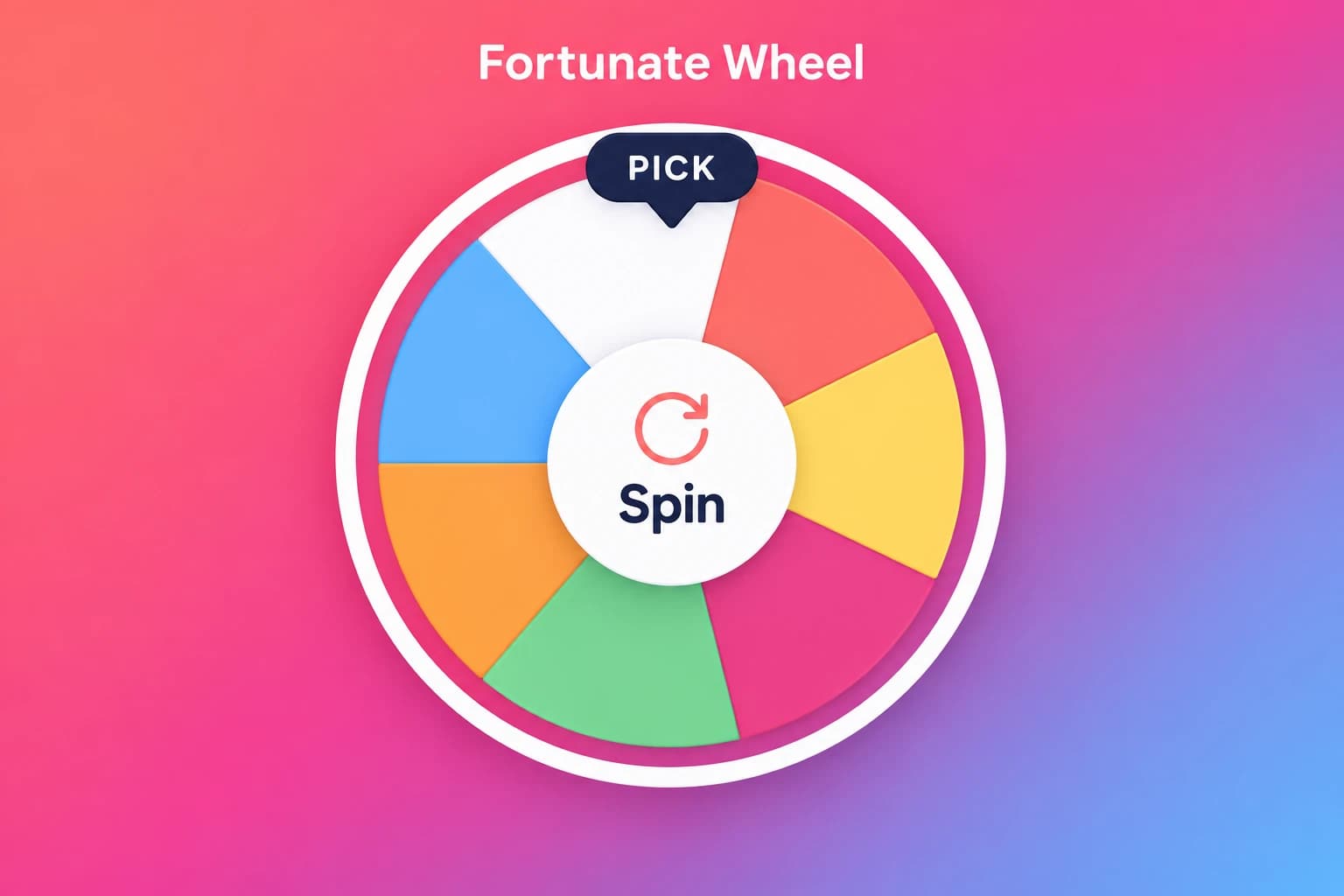
✓ Included in Game PassIllustrated preview
Spin. Solve. Celebrate.
Spin the wheel and solve custom word puzzles with your whole group.
- Vocabulary review
- Family game night
FOR TEACHERS, COMPANIES & EVENT HOSTS
Discover the right game for your group, get ready to host, then open the game’s own website to play.
FIND YOUR FORMAT
Start with the way you want people to play. These six games participate in Game Pass and also offer individual access on their own sites.
Fortunate WheelSpin the wheel and solve custom word puzzles with your whole group.
 Quiz Champ
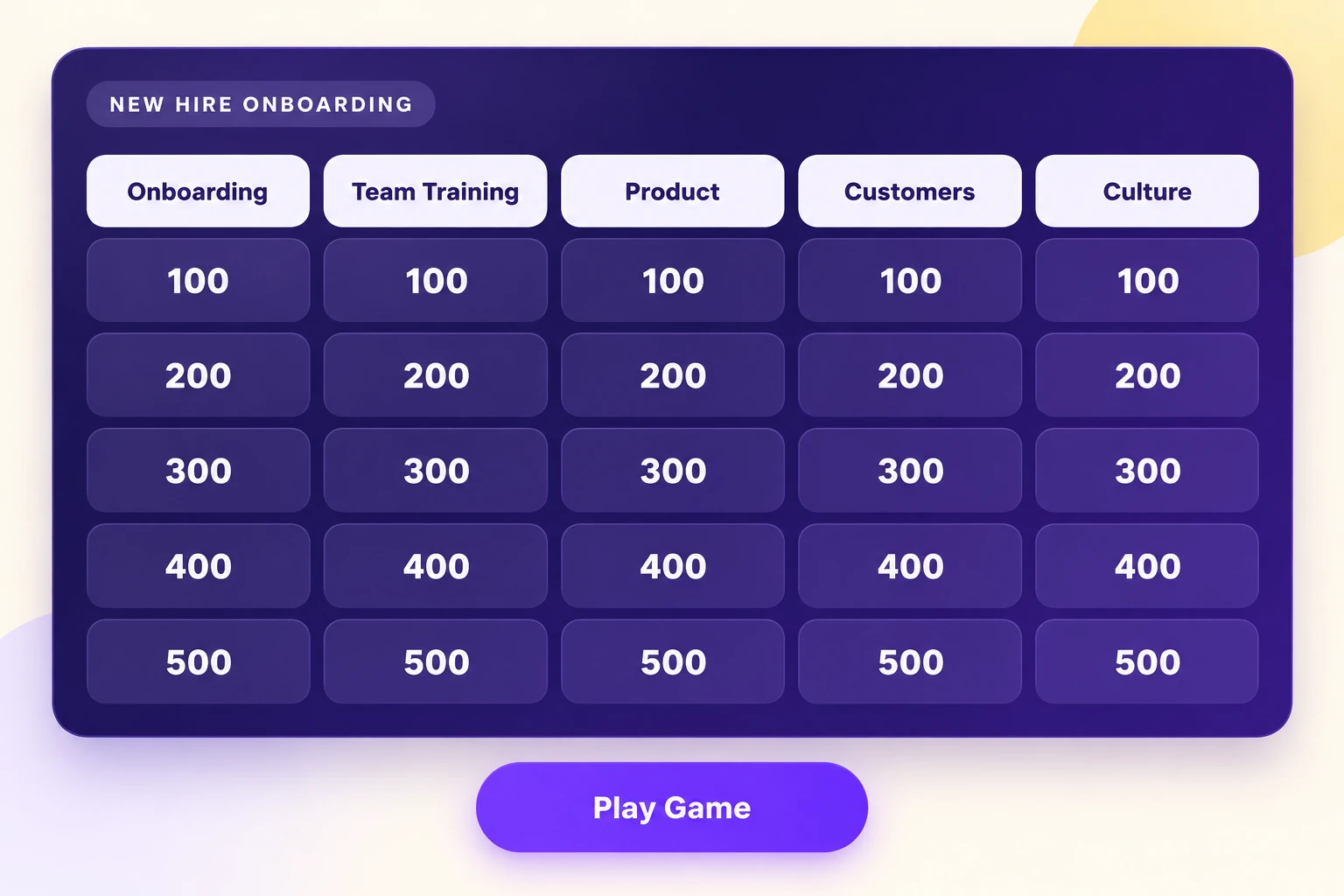
Turn your questions into a category board with team trivia and point-by-point competition.
 Are You Smarter
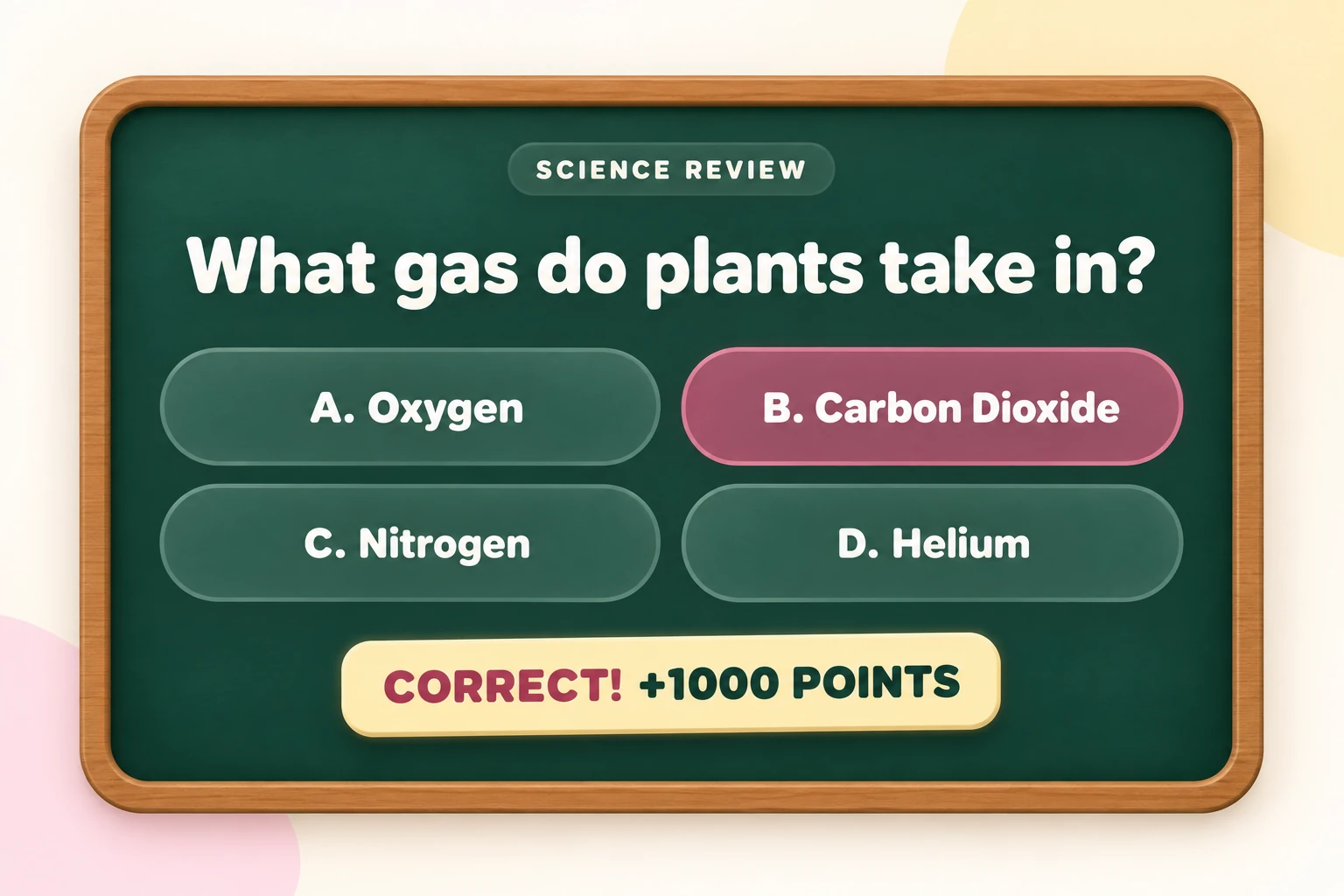
Challenge your class, family, or team with a familiar multiple-choice quiz format.
 PlayPassword
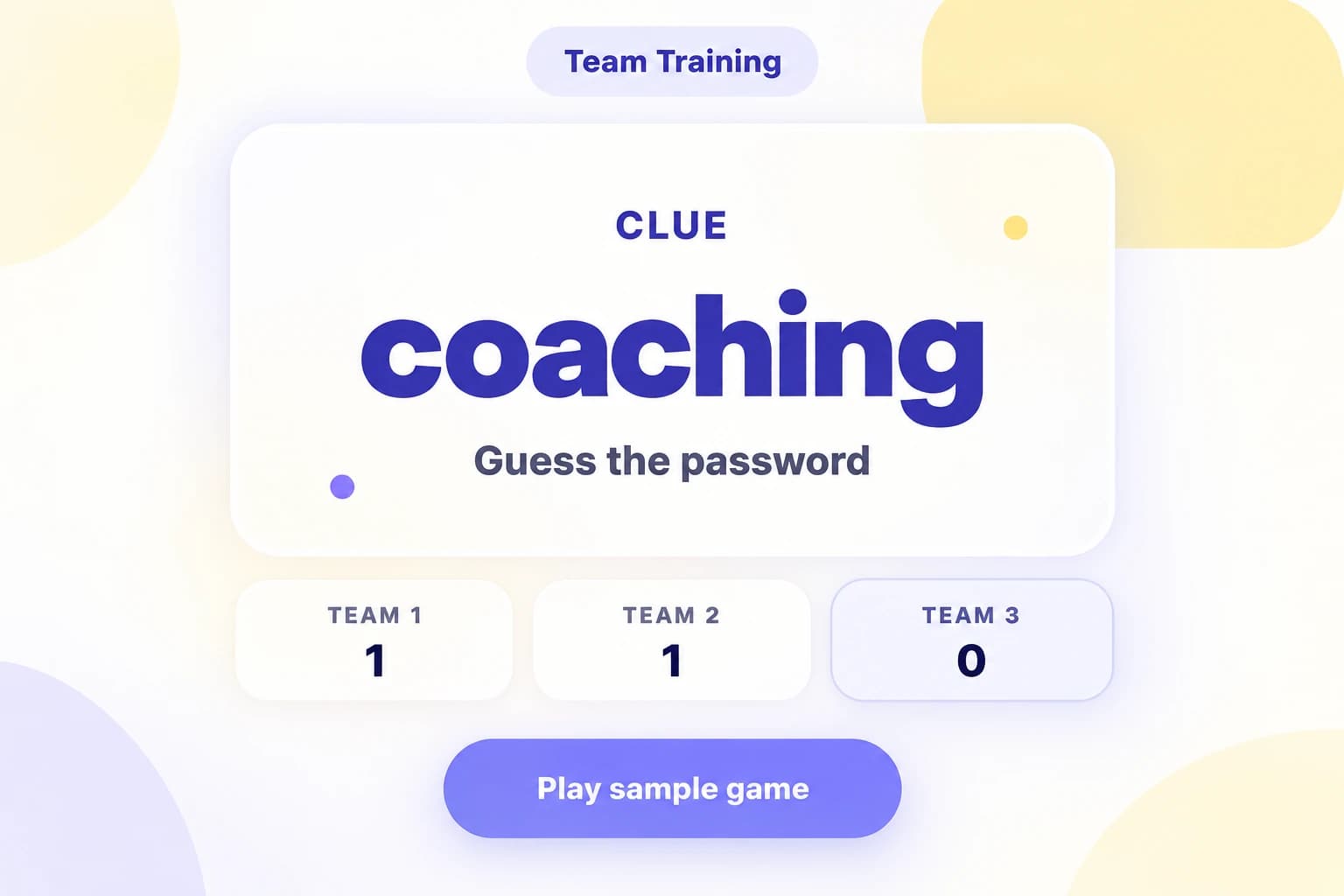
Give one-word clues and get your team to guess the secret word before time runs out.
 Right Price
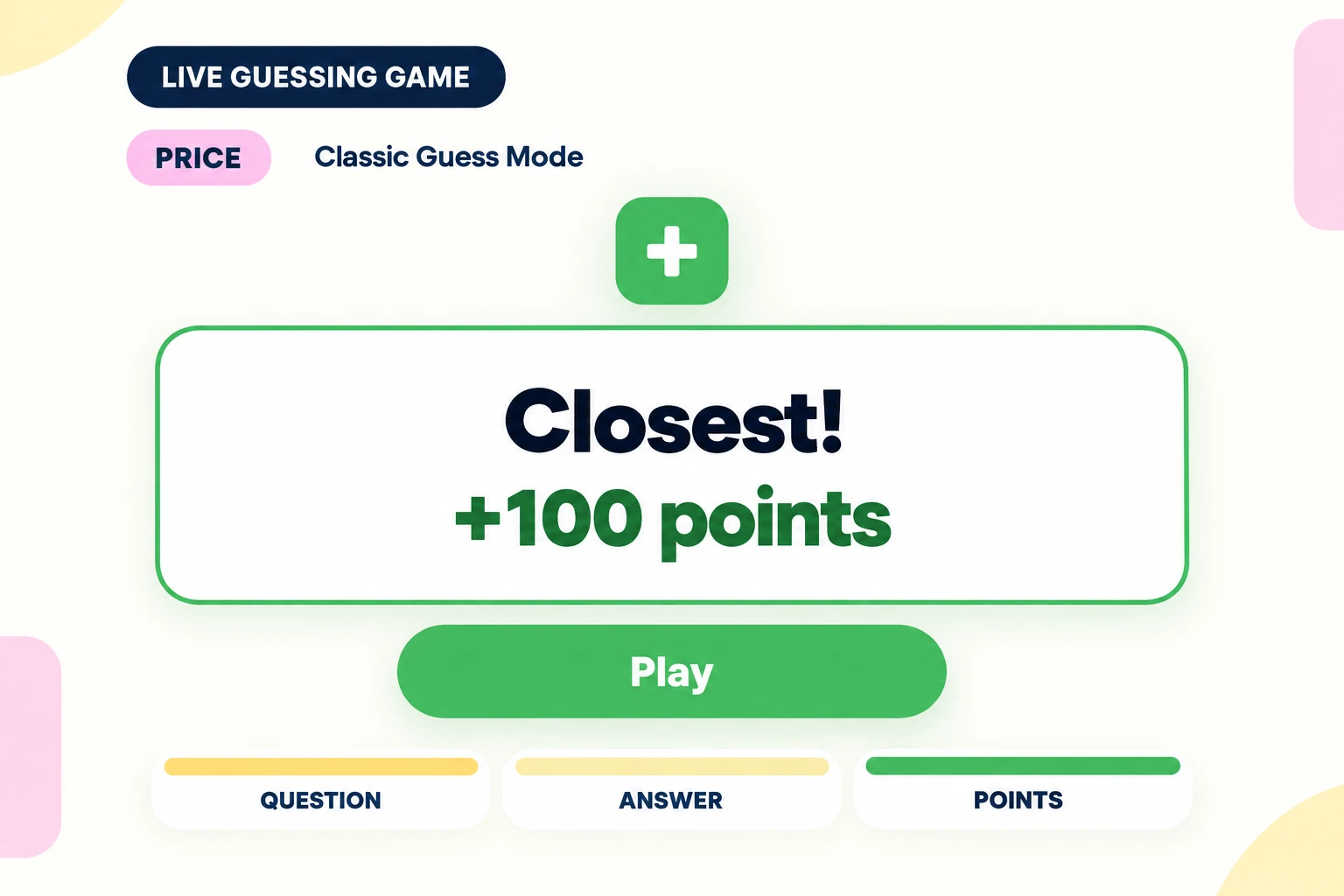
Bring out everyone’s competitive side with pricing challenges, number guesses, and big reveals.
 Millionaire
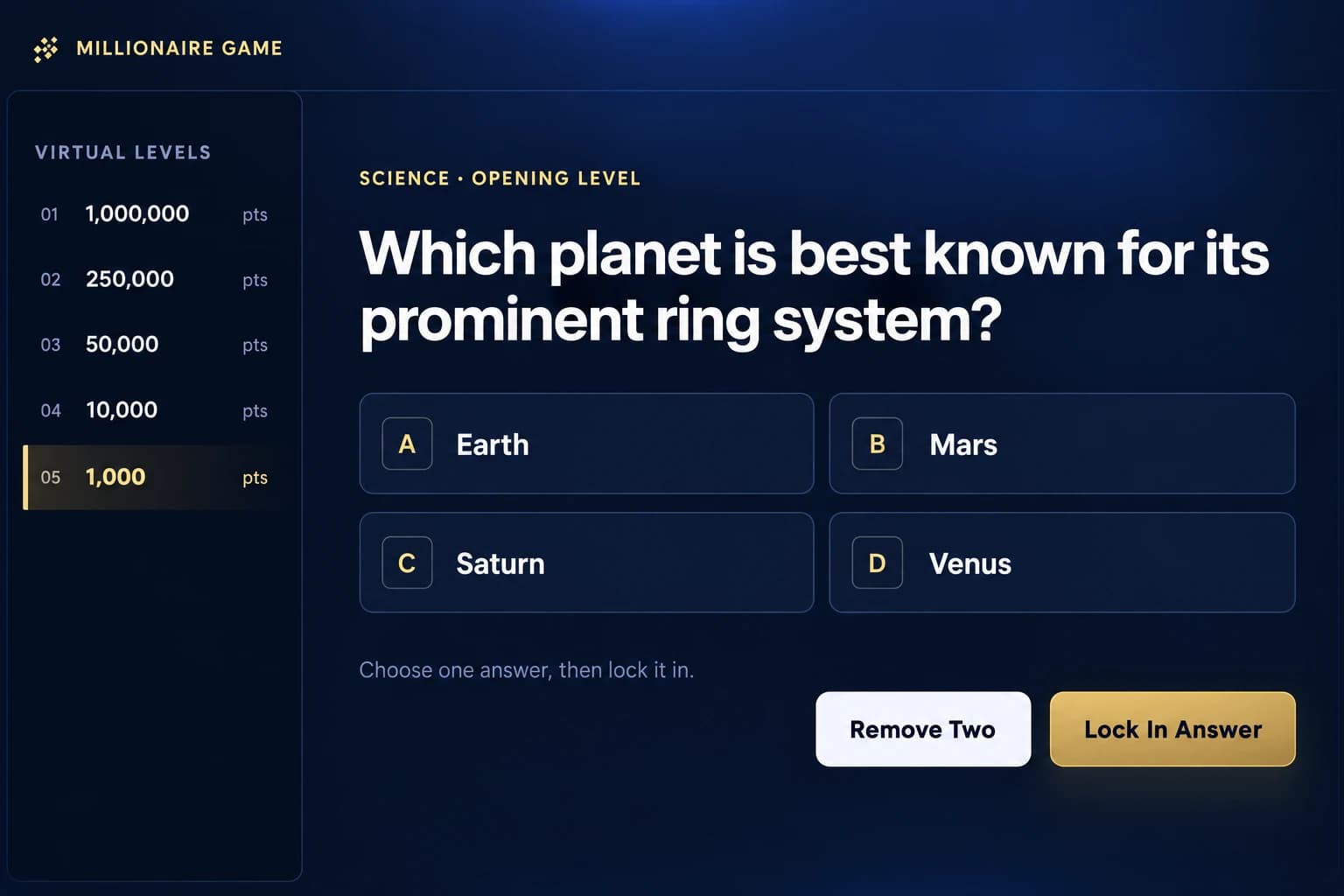
Build the suspense with four-answer trivia and a climb toward the million-point question.
FROM CHOOSING TO HOSTING
Use your audience, activity and preparation preferences to narrow the choices.
Choose prompts, check the answers and plan how people will take turns. Try one round before the group arrives.
Follow a direct game link for creation, play and access. Check that game’s hosting options and sign-in requirements.
SEVEN GAMES · CONNECT FAMILY FEUD
Game Pass provides premium access to seven participating games for $29/month or $149 once for lifetime access. Each game has its own features and hosting limits.
Included in monthly and lifetime Game Pass. Connect your separate Family Feud account; your saved games and independent purchases stay intact.
A USEFUL START
PROMPT IDEAS
Pick a few prompts to get people talking. Choose for your audience and let anyone pass.
FORMAT GUIDE
Compare ways to organize a review before preparing questions for your lesson.
HOSTING IDEAS
Explore formats for a meeting and leave time to explain a practice round.
OnlineGroupGames.com helps teachers, companies, and event hosts find, prepare, and play great group games. How OGG works →